
AutoStandByPro
Screenshots
A look at AutoStandByPro's Activity Monitor, rule editor, and scheduling windows. Click any screenshot to see it full size.
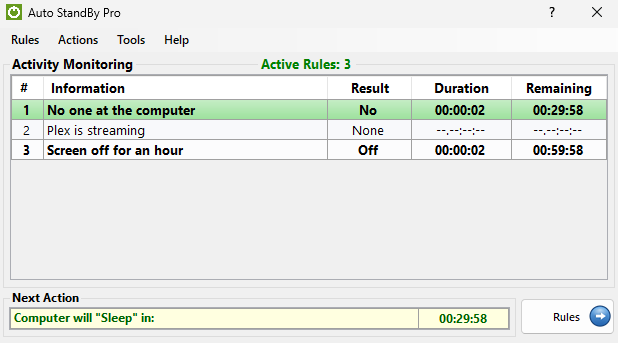
Activity Monitoring
The main window, showing active rules and what the computer will do next.
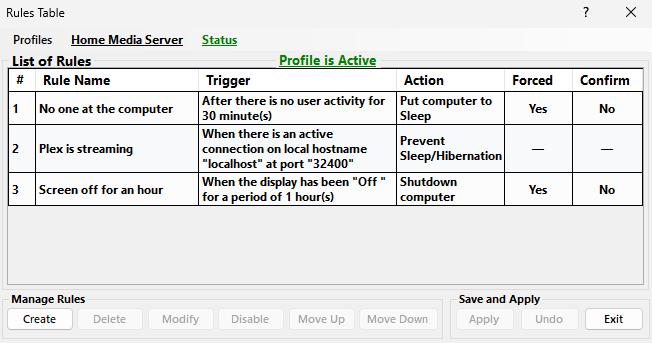
Rules Table
Create, delete, modify, enable, disable, or re-order rules for the active profile.
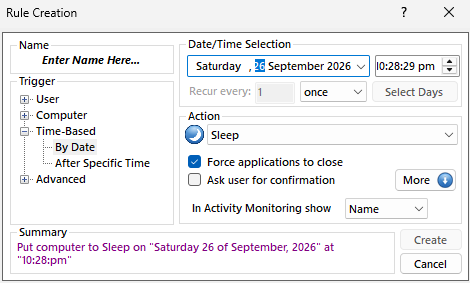
Create/Modify Rule
Pick a trigger and an action — here, put the computer to Sleep at a specific date and time.
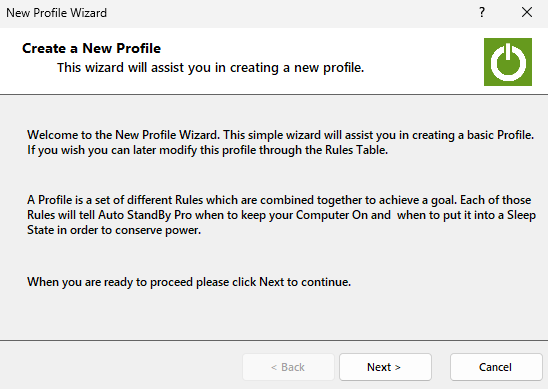
Simple Profile Wizard
Put together a first set of rules in a few guided steps — adjustable later from the Rules Table.
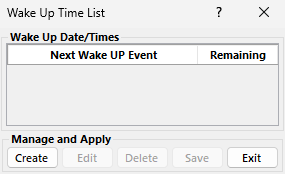
Wake Up Computer
Schedule the computer to wake from a sleep state on your own date/time schedule.
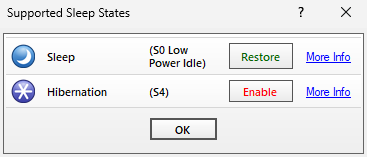
Supported Sleep States
Detects the sleep states your computer supports and lets you enable or configure each one.
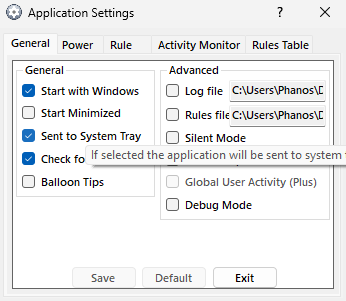
Application Settings
Startup, tray, logging, and rule behavior — all in one place.
×
‹
![]() ›
›
© 2026 Phenomenal Solutions — AutoStandByPro