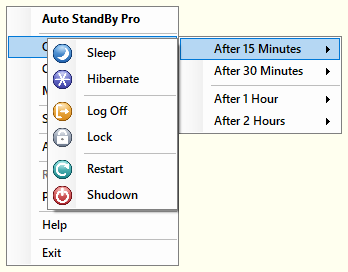
AutoStandByPro supports the quick creation of a Rule that will execute its associate Action after one of the following predetermined time frames:
In order to create a quick rule while the AutoStandByPro is minimized to the "System Tray", click on the application system tray icon and then from the context menu select “Quick Rule” and then choose one of the predetermined time frames.
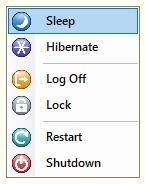
Then select one of actions from the new opened menu.The quick rule is created. Click "OK" to load the new rule.
Please note that by default a Quick Rule will execute its associated action even when there is another activated rule that has associated action "Prevent Sleep/Hibernation". If your wish to change this behavior please see "Power Settings".