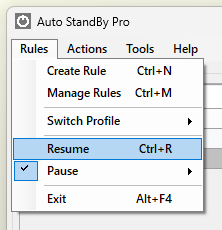
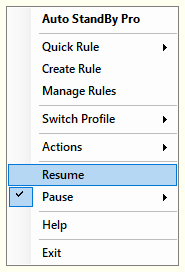
In order to force the application to Resume the processing of the rules before the predefine time or before the conditions are met, either:
Note 1: In case you need to resume the processing of rules more quickly AutoStandByPro supports using the combination of the keys "Ctrl + R" while the "Activity Monitor" window is open and active. Note 2: The pause menu will be available only when there are rules in the Activity Monitoring window, and the resume menu will be available only when a pause is in effect.