Manage Rules
Existing rules can be managed through the “Rules Table” window. To open "Rules Table" window first open the “Activity Monitor” window and either:
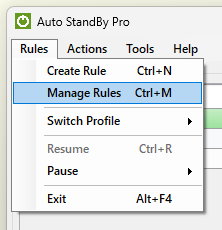
- From the “Rules” menu select “Manage Rules”, or
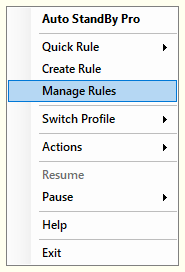
- While the AutoStandByPro application is minimized to the "System Tray" click on the application system tray icon and from the context menu select “Manage Rules”
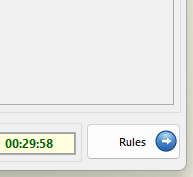
- Click the button "Rules" on the botton right side.
To view the "Rules Table" documentation please click here.